Install the commercial PC edition
Use the store listing to review the PC product, region availability and current requirements. The store action is a purchase or installation route, not instant browser play.
Black Ops Zombies in browser: no supported original-game port is established here. Review PC access and controls, and the separate NZ:P fan demake.
ORIGINAL
Call of Duty: Black Ops · Treyarch · 2010
MODE
Zombies · solo or co-op survival
DOCUMENTED PLAYERS
1–4 in the original manual
BROWSER BUILD
No sourced candidate in this guide
View PC Game opens the commercial Steam listing. No browser launcher, mirror or Black Ops game-file importer is offered on this page.
Zombies is the survival mode in Treyarch’s Call of Duty: Black Ops. The original manual describes one to four players repelling increasingly dangerous waves alone or cooperatively. This entry concerns the 2010 PC game, not the similarly named mobile spinoff or NZP. No supported original Black Ops browser engine port was established in the primary sources reviewed.
Use the store listing to review the PC product, region availability and current requirements. The store action is a purchase or installation route, not instant browser play.
Launch the installed game and select Zombies rather than Campaign or Multiplayer. Begin solo to learn movement and combat, then choose co-op when ready.
Open the game’s controls, graphics and audio settings. Check your exact edition and installed content before arranging a session around a particular DLC map.
These inputs describe the linked project or original game. Follow the platform-specific notes and the primary documentation before starting.
| ACTION | INPUT | NOTES |
|---|---|---|
| Move / sprint | W A S D / Shift | Original Black Ops PC manual defaults; configurable in the installed game. |
| Fire / aim down sights | Left / Right mouse | Native PC controls, not a web-game mapping. |
| Reload / use | R / F | F activates the game’s contextual Use action. |
| Melee / grenade | V / G | G or middle mouse throws a lethal grenade. |
| Jump / crouch / prone | Space / C / Ctrl | Manual defaults; inspect any customized bindings. |
| Pause menu | Esc | Opens the Campaign / Zombies pause menu described in the manual. |
The store lists the original PC release, while the manual explains its installed-game menus. Neither source documents a WebGL or WebAssembly release.
A browser recreation inspired by Zombies does not become the original Black Ops engine or include its campaign and DLC. Use the separate NZP entry for that project’s own scope.
Commercial PC mode; no sourced original-game browser candidate.
This is a researched reference guide. Official purchase links, native downloads and cloud services are labeled separately from browser engine ports. No HTTP monitoring or gameplay verification is claimed for an unregistered browser project.
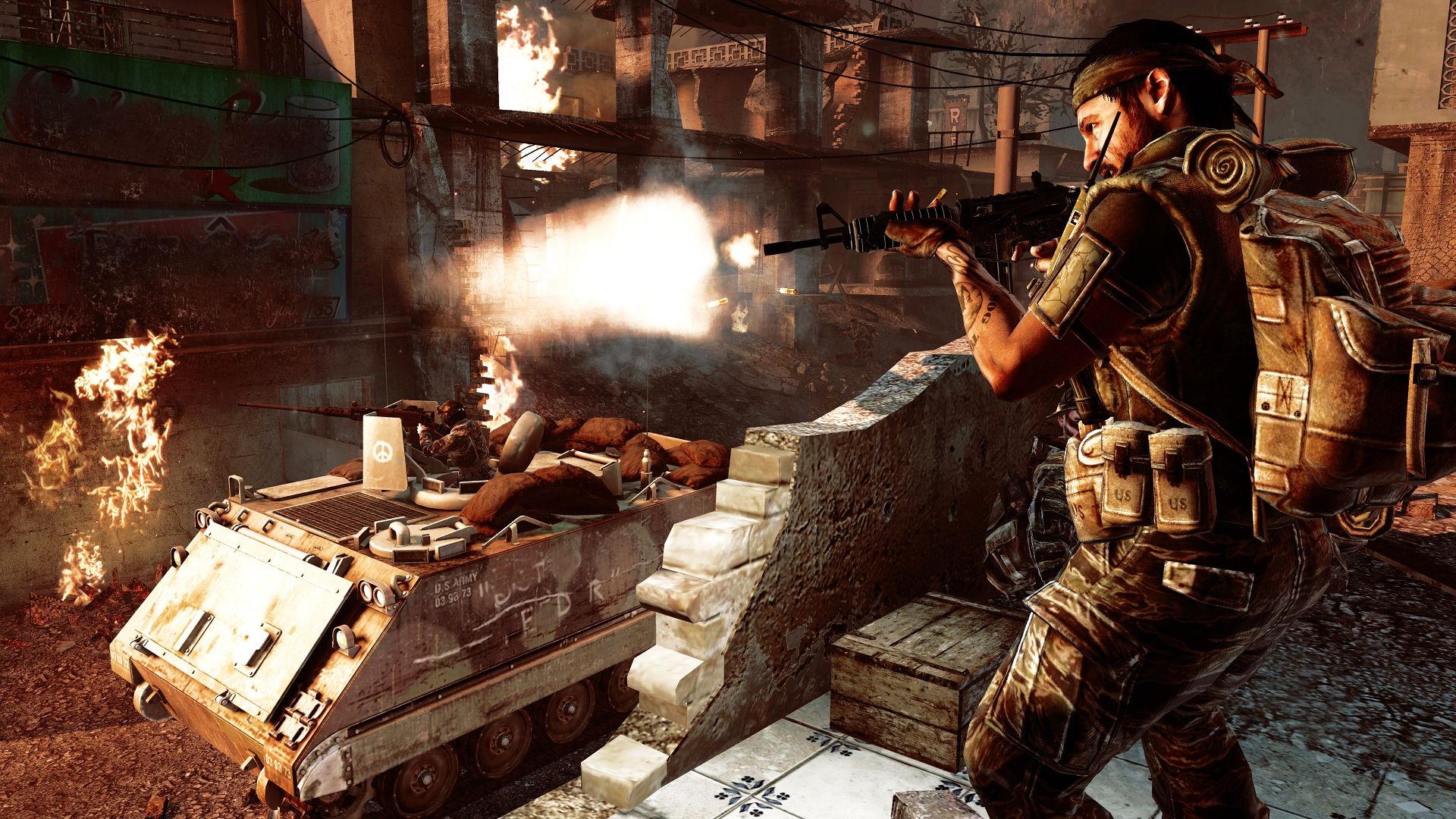
Activision’s official Steam artwork and commercial Black Ops screenshot. The screenshot is a general game reference and is not labeled as a Zombies map or browser capture. © Activision.
Steam may require an age check before showing this game’s product page. Complete the store’s own flow and review local availability.
Confirm the selected map is installed and owned by everyone who needs it. A base-game listing does not establish access to every DLC.
Open Settings and inspect your bindings; the list here is from the original PC manual. Console, mobile and fan-game controls differ.
No takedown document or verified mirror history was located for the previous sample text. This page therefore does not provide a legal mirror or an invented incident log.
No evidence supporting the old sample’s specific notice or incident number was established. It should not be treated as an actual legal record.
No. This guide identifies the Zombies mode in the 2010 desktop Black Ops release.
This site supplies reference information and store/support links. It does not run or stream the original Black Ops game.
Editorial review: 2026-10-17 10:45:07 UTC · This date records source research, not a gameplay test.