Select the intended edition
Use the PC-edition store link for the original campaign’s Anniversary release. Review the listed Master Chief Collection requirement and supported platform before purchasing.
Halo: Combat Evolved in browser: no supported full-game port or retail-file importer is established here. Review Anniversary access through The Master Chief Collection.
GAME
Halo: Combat Evolved · Bungie
PC ROUTE
Anniversary in The Master Chief Collection
BROWSER PORT
No sourced candidate in this guide
GAME DATA
Install the commercial edition; no web importer
View PC Edition opens the commercial Steam listing. This guide has no browser launch or retail-file upload. Halo: Combat Devolved is a separate, smaller Game Boy Color fan demake.
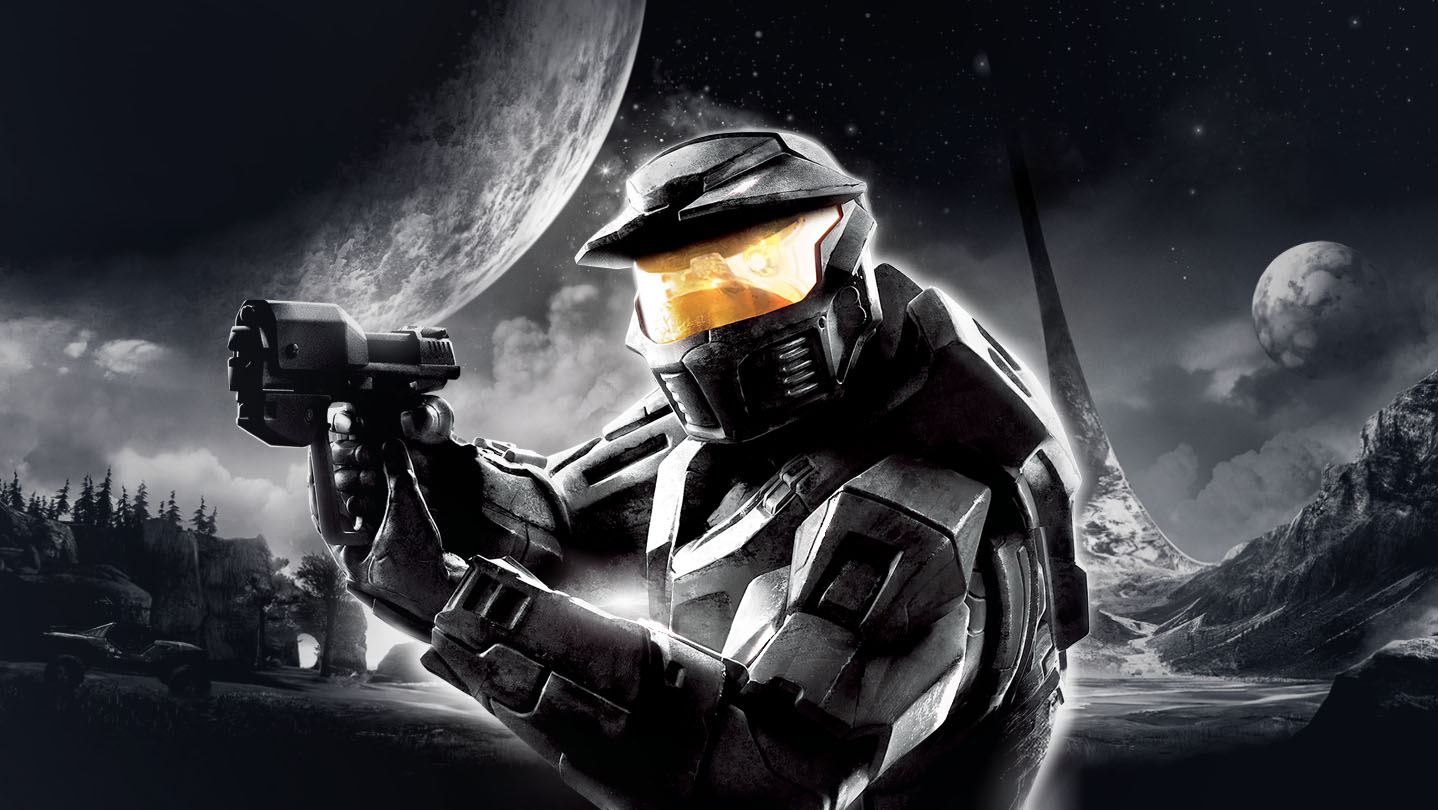
In Halo: Combat Evolved, Master Chief and Cortana fight the Covenant after arriving at a mysterious ringworld. The documented commercial PC route here is Combat Evolved Anniversary inside Halo: The Master Chief Collection, with the original ten-mission campaign and a switch between classic and remastered graphics. No maintained full-game browser engine port was established by the primary sources reviewed.
Use the PC-edition store link for the original campaign’s Anniversary release. Review the listed Master Chief Collection requirement and supported platform before purchasing.
Open Options & Career → Settings → Controls. Choose Configure Mouse & Keyboard and Configure Bindings to inspect every action for the selected game.
For installation or gameplay errors in MCC, check Halo Support’s known issues. Include the exact game, mission, platform and error when submitting a report.
These inputs describe the linked project or original game. Follow the platform-specific notes and the primary documentation before starting.
| ACTION | INPUT | NOTES |
|---|---|---|
| Desktop MCC key bindings | Options & Career → Settings → Controls | This is the native PC edition’s settings path; there is no documented browser key map. |
| Inspect movement / fire / melee / grenades | Configure Mouse & Keyboard → Configure Bindings | Review bindings for Halo CE specifically; MCC contains multiple games. |
| Controller layout | Controls settings | Choose the layout in your installed version rather than assuming the fan demake uses it. |
The linked PC release lists DirectX and desktop hardware requirements. Its keyboard customization and remastered graphics are not evidence of a browser engine build.
Combat Devolved is a top-down handheld fan reinterpretation. Its ROM, controls and two-mission scope do not provide access to the original Halo campaign.
Commercial desktop edition; no sourced full-game browser candidate.
This is a researched reference guide. Official purchase links, native downloads and cloud services are labeled separately from browser engine ports. No HTTP monitoring or gameplay verification is claimed for an unregistered browser project.
Microsoft / Xbox Game Studios artwork from the Anniversary Steam listing. These are commercial-edition reference images, not screenshots of a browser port.
Halo Support instructs players to inspect Configure Bindings and assign every missing action. Restore Defaults is an alternative, but it resets bindings across MCC.
The MCC global known-issues page documents possible Halo CE co-op disconnects when player loading times differ greatly. Consult the current article before assuming a local game-file problem.
There is no sourced browser importer in this guide. Check that site’s project documentation before supplying files; the commercial store button installs a native game.
No. This directory does not import Halo files, and no verified compatible browser importer is linked.
It remasters the original campaign and supports switching its graphics presentation. It is the separately sold PC MCC content described by its store listing.
The fan-demake action opens Combat Devolved. Its handheld-style game should not be confused with a full original-engine port.
Editorial review: 2026-10-17 10:45:07 UTC · This date records source research, not a gameplay test.